Descripcion
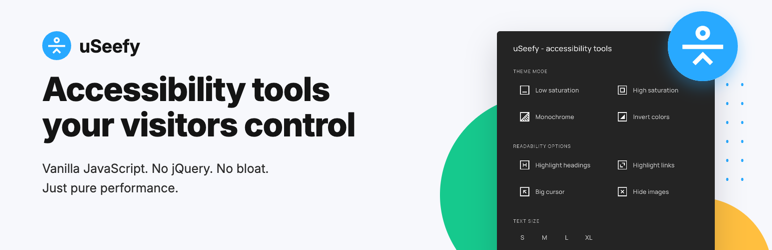
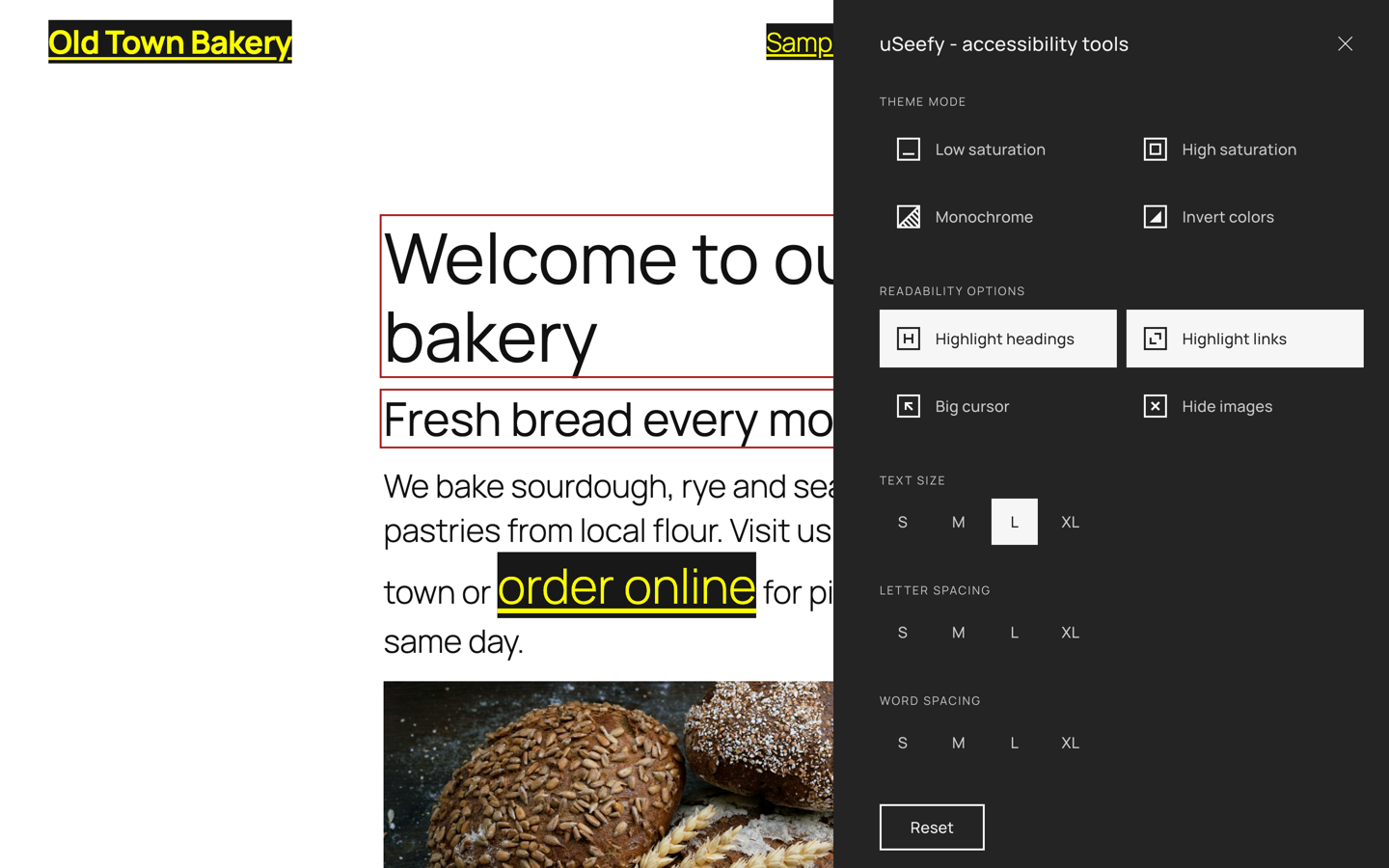
uSeefy is a high-performance accessibility solution designed to support websites in addressing selected WCAG 2.1/2.2 requirements.
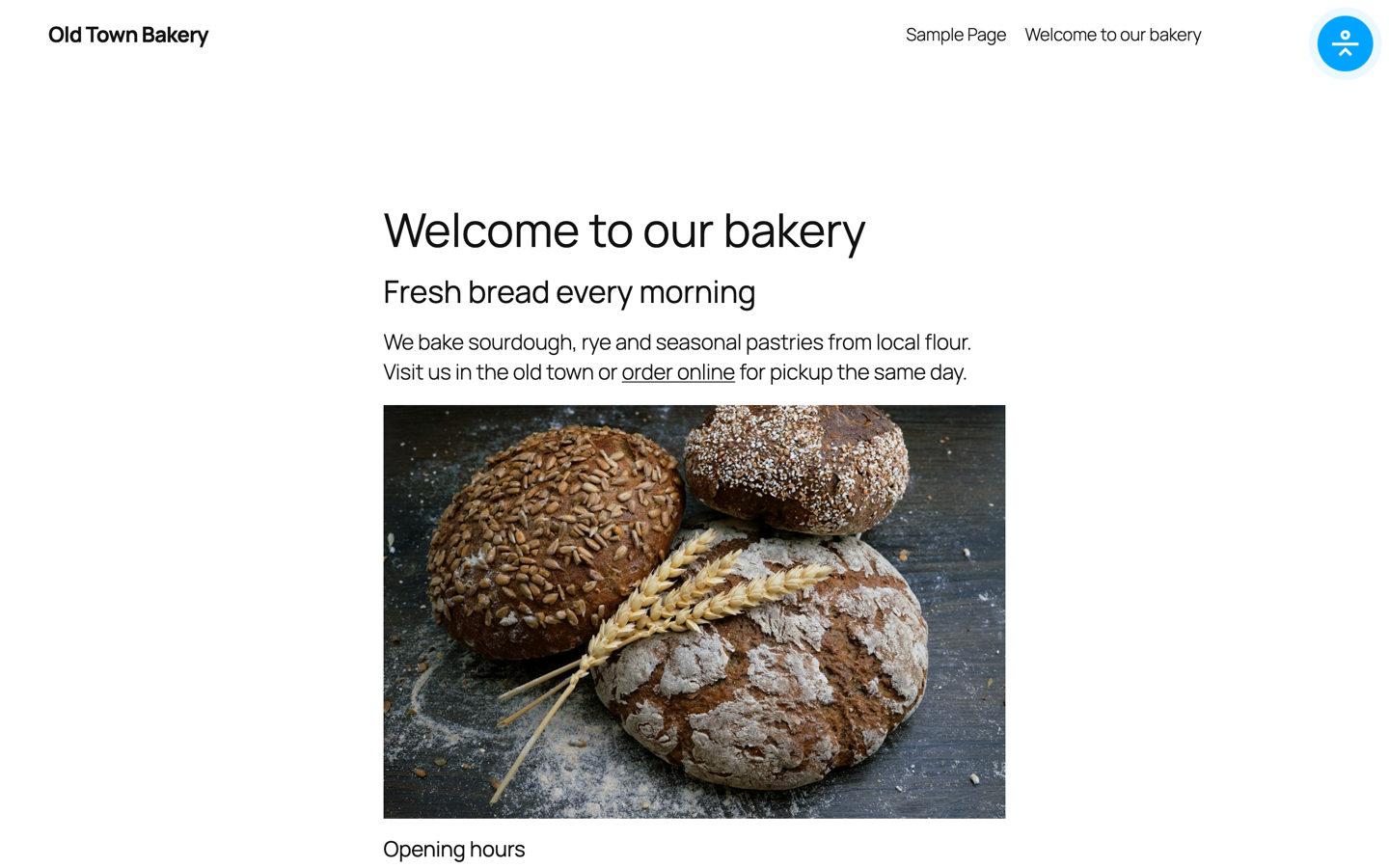
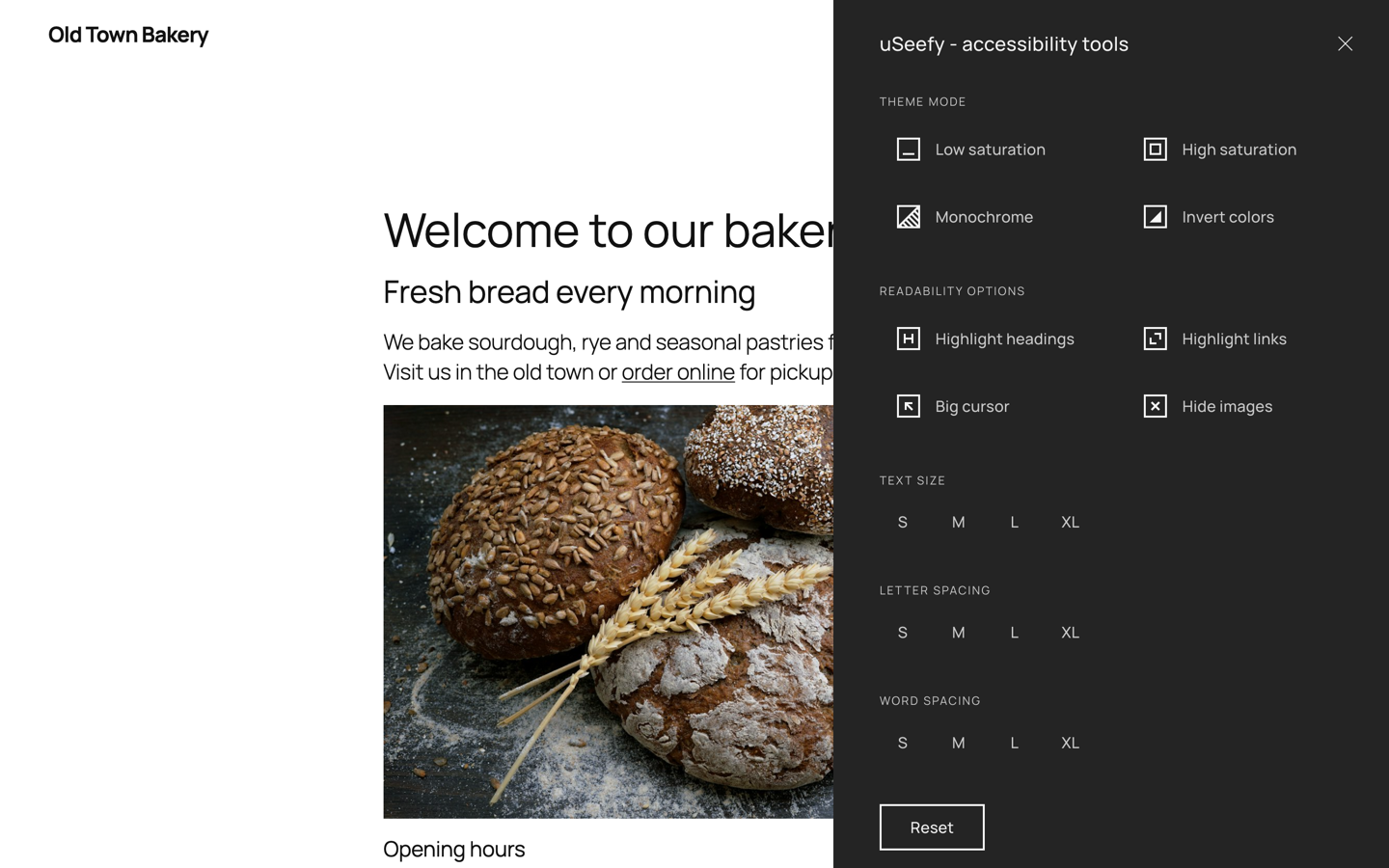
It provides a seamless interface for users to customize their browsing experience, improving usability for people with visual, cognitive, or motor impairments.
System Requirements
- WordPress 6.x (latest version recommended)
- PHP 7.4+ (PHP 8.2 recommended)
- Modern web browser with JavaScript enabled
Key Features
- Lightweight frontend architecture: public widget uses Vanilla JavaScript (no jQuery/React on public pages).
- Admin settings scope: bundled CMB2 is admin-only and not loaded on public pages.
- No external requests on the frontend: no CDNs, no Google Fonts.
- Zero-tracking storage: accessibility preferences are stored in localStorage.
- Full keyboard navigation and accessibility-first interactions.
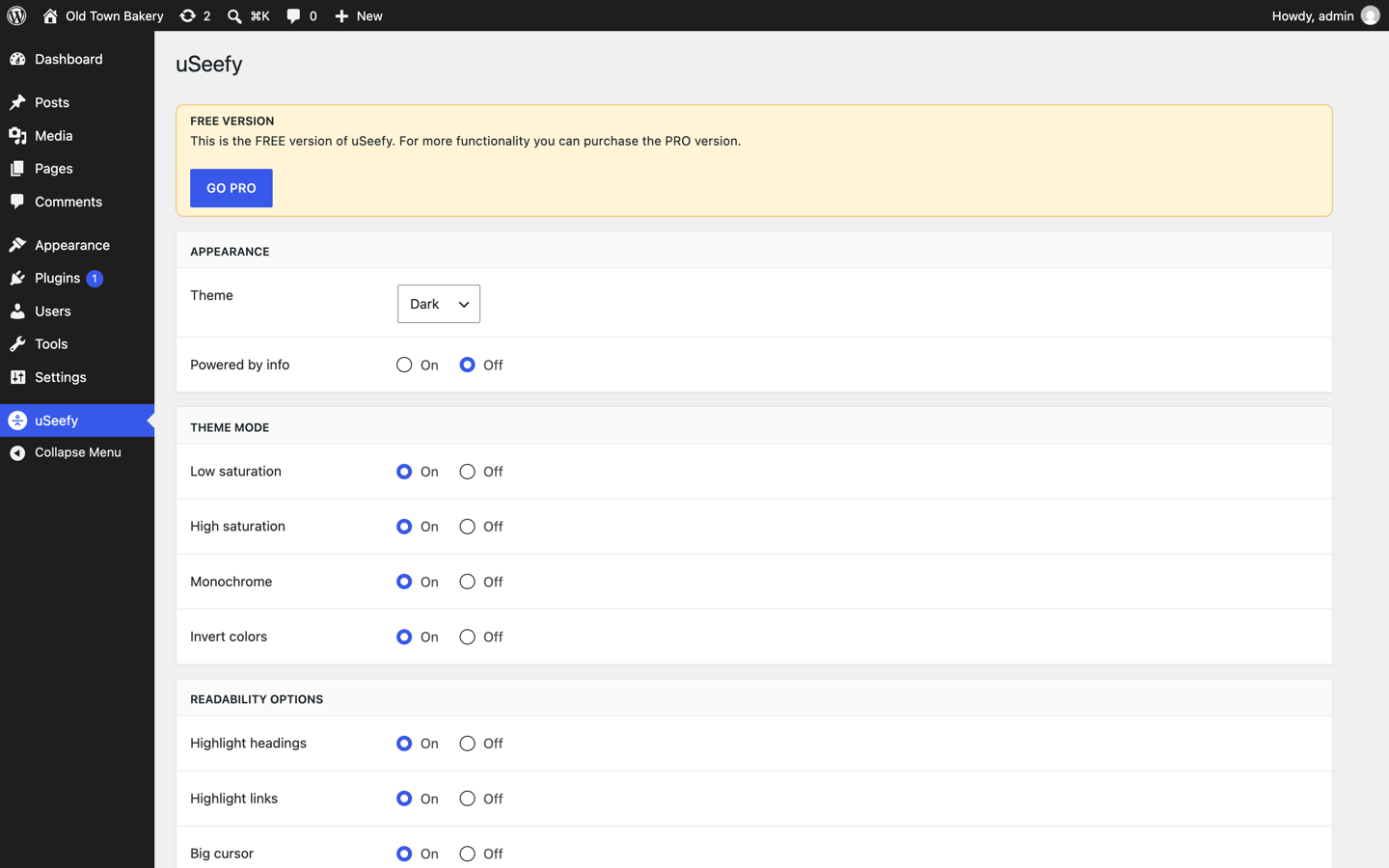
- Customizable UI: theme mode (Dark/Light/System).
- Mobile-first responsive widget.
Privacy & GDPR
- Frontend widget does not track website visitors.
- Accessibility preferences are stored in localStorage.
- No frontend third-party tracking API calls.
- In admin/update flows, the WordPress.org update system provides metadata and packages for the Free version.
Keyboard Shortcuts
- Shift + Alt + A: Open/close widget.
- Tab / Shift + Tab: Navigate widget controls.
- Enter / Space: Activate selected control.
- Esc: Close widget.
Dynamic Content (AJAX)
If your site loads content dynamically, call window.uSeefy.refresh() after rendering new content.
* If you use optimization plugins, clear cache after changes.
* In CDN environments (including Cloudflare), purge cache and exclude uSeefy assets from aggressive optimization when needed.
Screenshots
Installacion
- Go to Plugins > Add New Plugin.
- Search for « uSeefy ».
- Click Install Now and then Activate.
- Open uSeefy in the WordPress admin menu to configure the widget.
- Want more features? Upgrade to Pro at https://useefy.com/
FAQ
-
Widget is not visible. What should I check?
-
Confirm the plugin is active and your theme outputs
wp_head()andwp_footer(). -
Can cache/CDN delay changes?
-
Yes. Purge cache/CDN and exclude uSeefy assets from aggressive optimization.
-
Compliance Note
-
uSeefy helps improve accessibility but does not automatically make a site WCAG compliant and does not guarantee compliance with WCAG, ADA, EAA, AODA, or other laws/regulations.
This is standard across accessibility plugins: no plugin can guarantee full legal compliance in every implementation.
Final compliance depends on your content, code, theme, third-party components, and ongoing maintenance.
uSeefy is not legal advice. Perform manual accessibility audits and, when needed, consult qualified accessibility and legal professionals.
Reviews
There are no reviews for this plugin.
Contributors & Developers
“uSeefy” is open source software. The following people have contributed to this plugin.
Contributors
Translate “uSeefy” into your language.
Interested in development?
Browse the code, check out the SVN repository, or subscribe to the development log by RSS.
Changelog
1.0.0
- Initial release.